Delivery health at a glance
Track connection state, rate limits, delivery counters, and recent events in one compact mobile dashboard.
 MailOps
Product overview
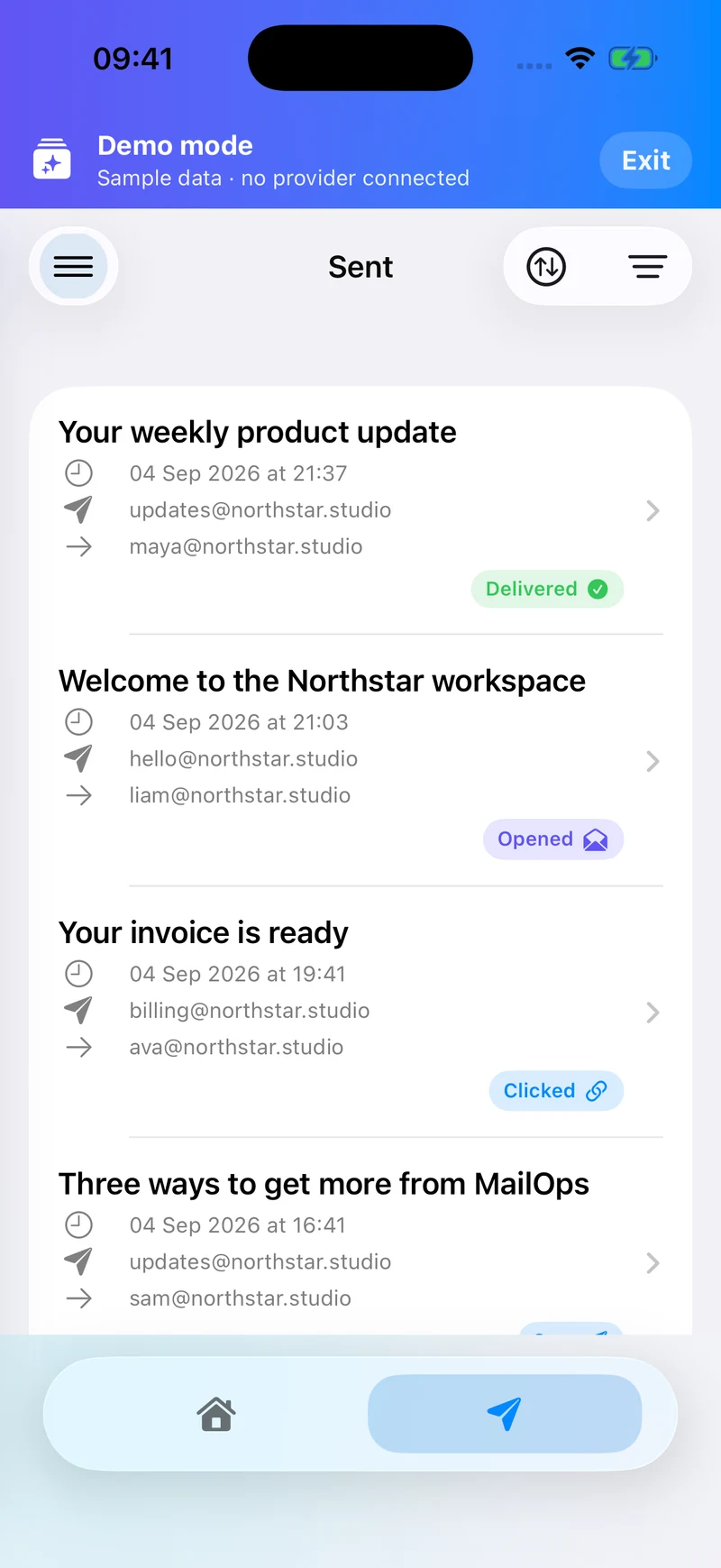
Check Resend and Mailgun delivery health, investigate failed messages, and follow email activity from a native iPhone app. These screenshots show the current app using clearly labelled sample data.
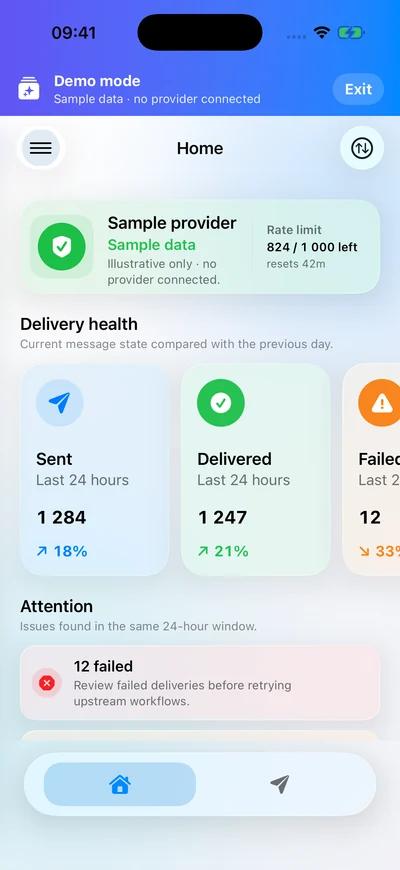
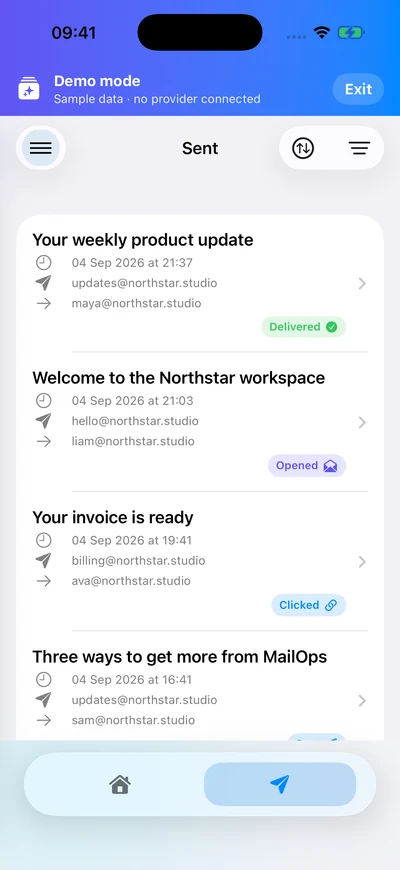
Track connection state, rate limits, delivery counters, and recent events in one compact mobile dashboard.
Browse templates, sent mail, webhooks, inbound routes, broadcasts, contacts, segments, domains, keys, and logs.
Use workspace preferences to choose which email events should send push notifications to your device.
MailOps focuses on inspecting email activity and provider resources. The app includes a demo without an account or provider connection, so you can explore the workflow with sample data.
Inside the app
Captured from the app on September 4, 2026. All messages, metrics, and provider details shown here are sample data.
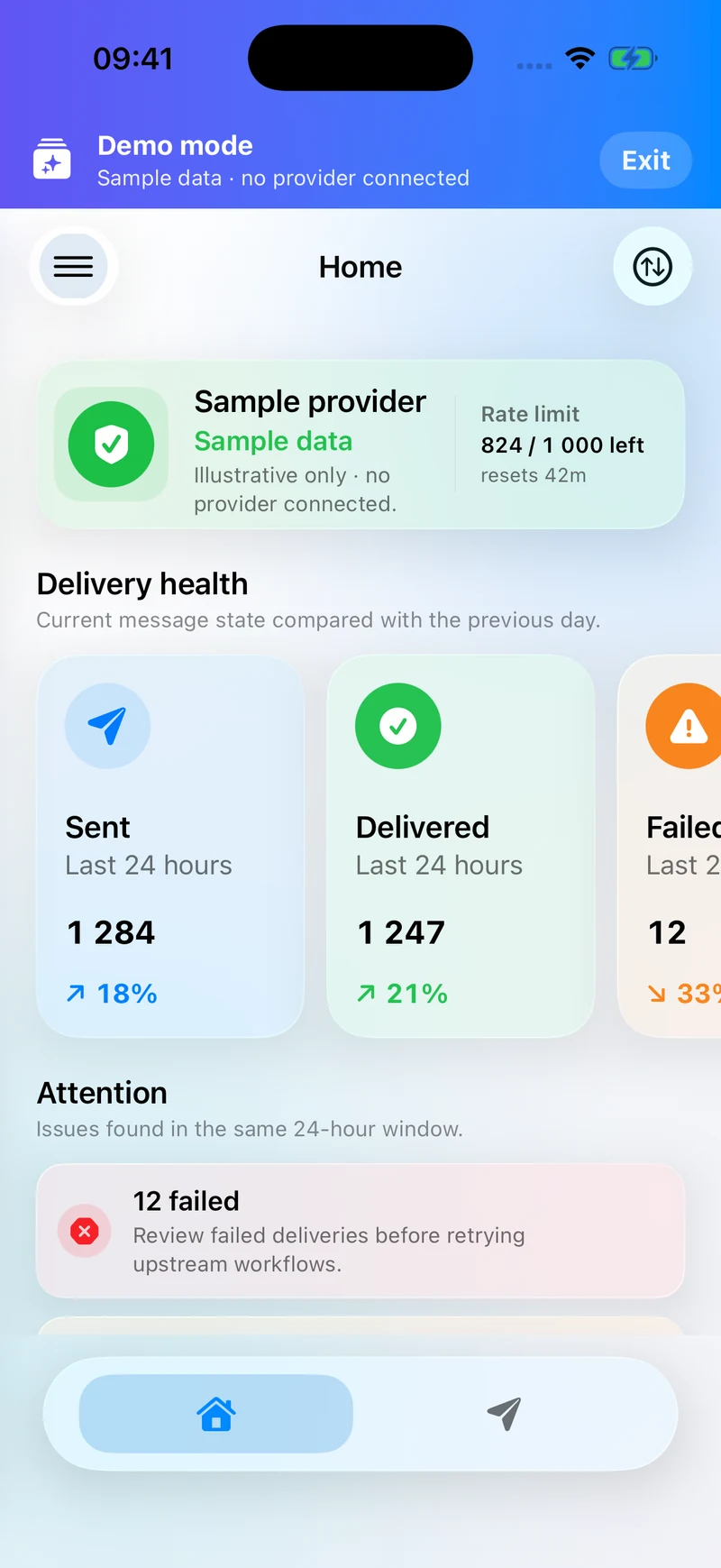
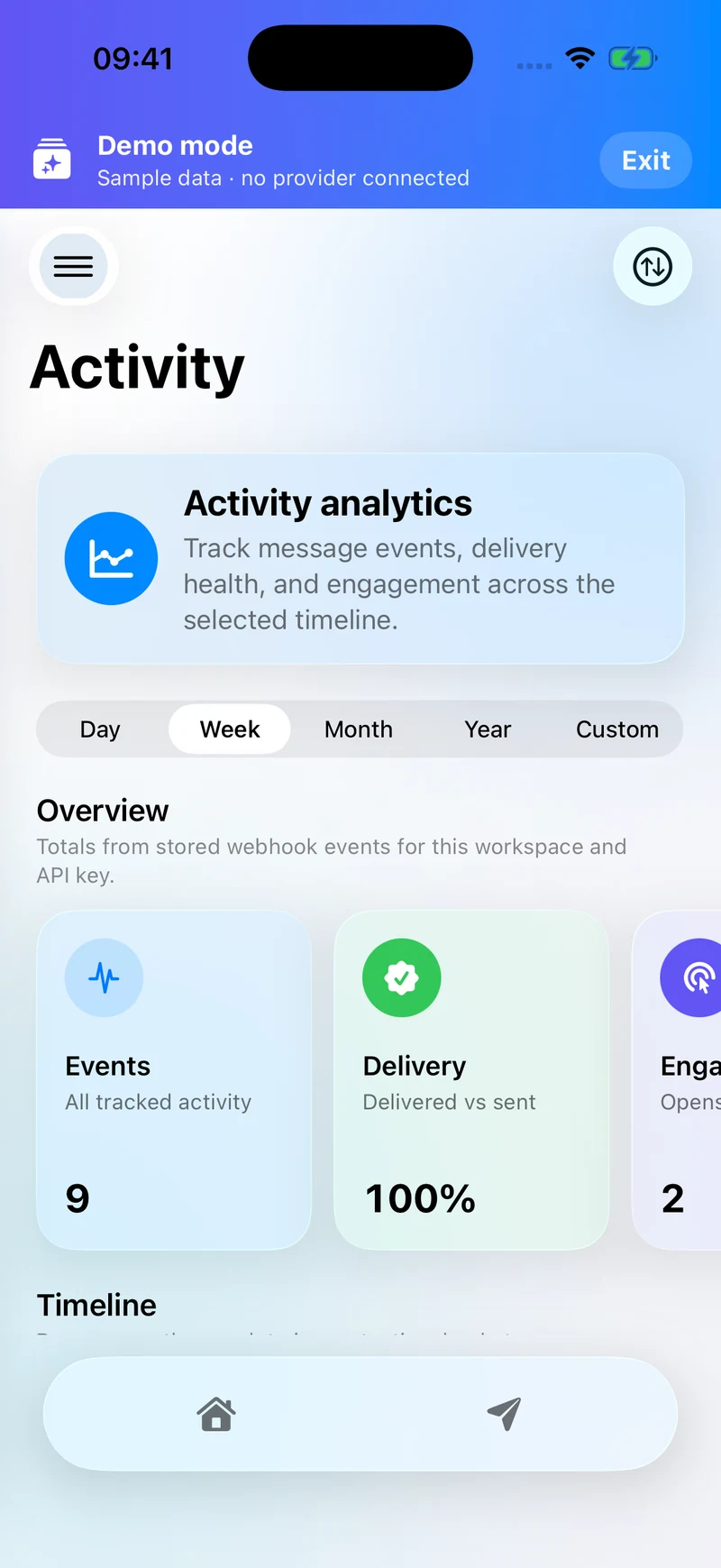
Live delivery monitoring, activity analytics, notifications, and widgets are MailOps Pro features. View plans and launch status.